

Creating an API Key
To start making calls to the API you’ll need an API key. If you don’t already have a Mixfont account, visit Mixfont and sign in. Go to the Developer Console to create your first API key. When calling the API, include the key in thex-api-key header for each request.
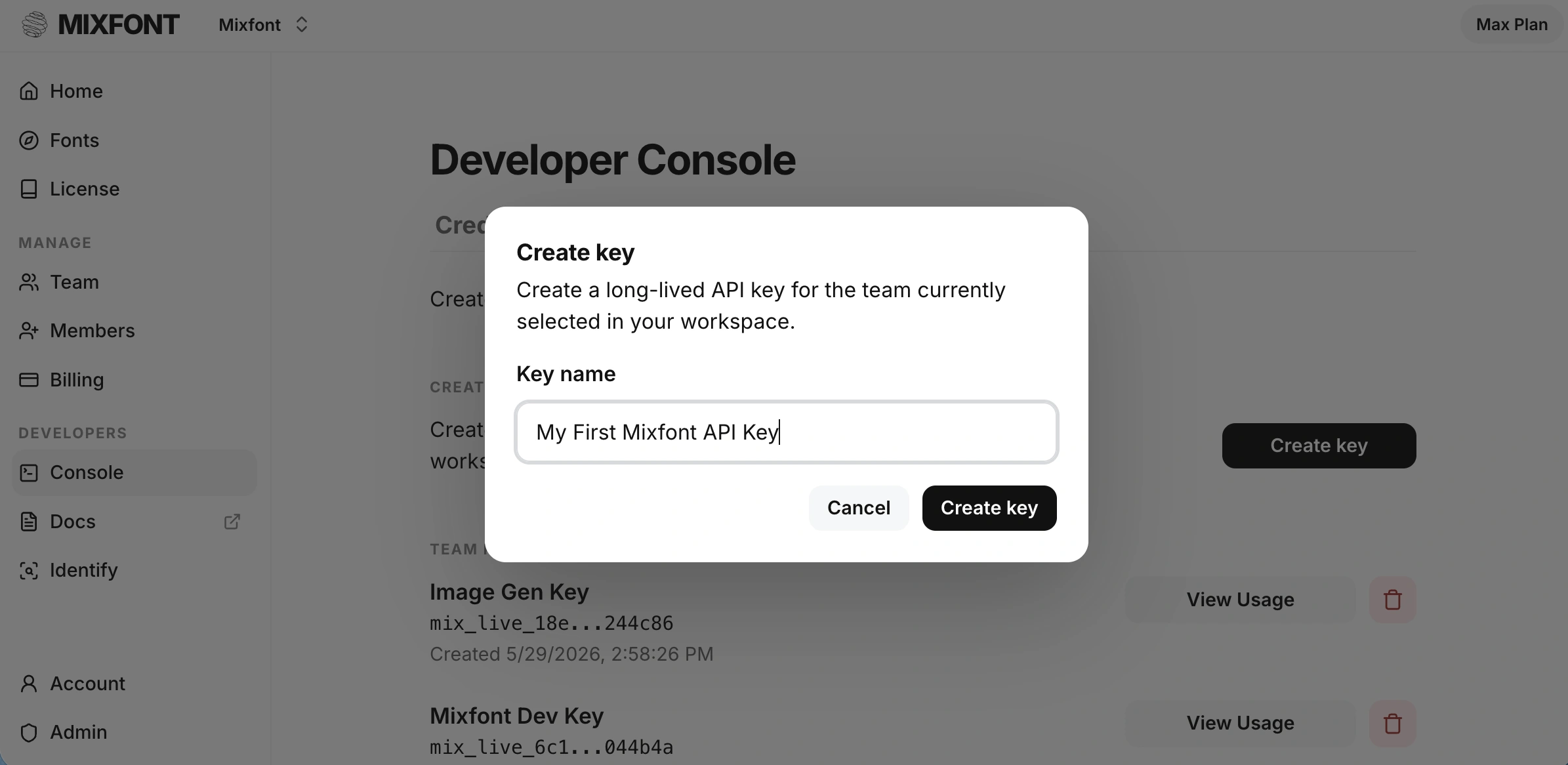
Make sure to copy the API Key to a safe place. The API Key will only be
visible in the dashboard once. If you lose your key, you’ll have to create a
new one.
Examples
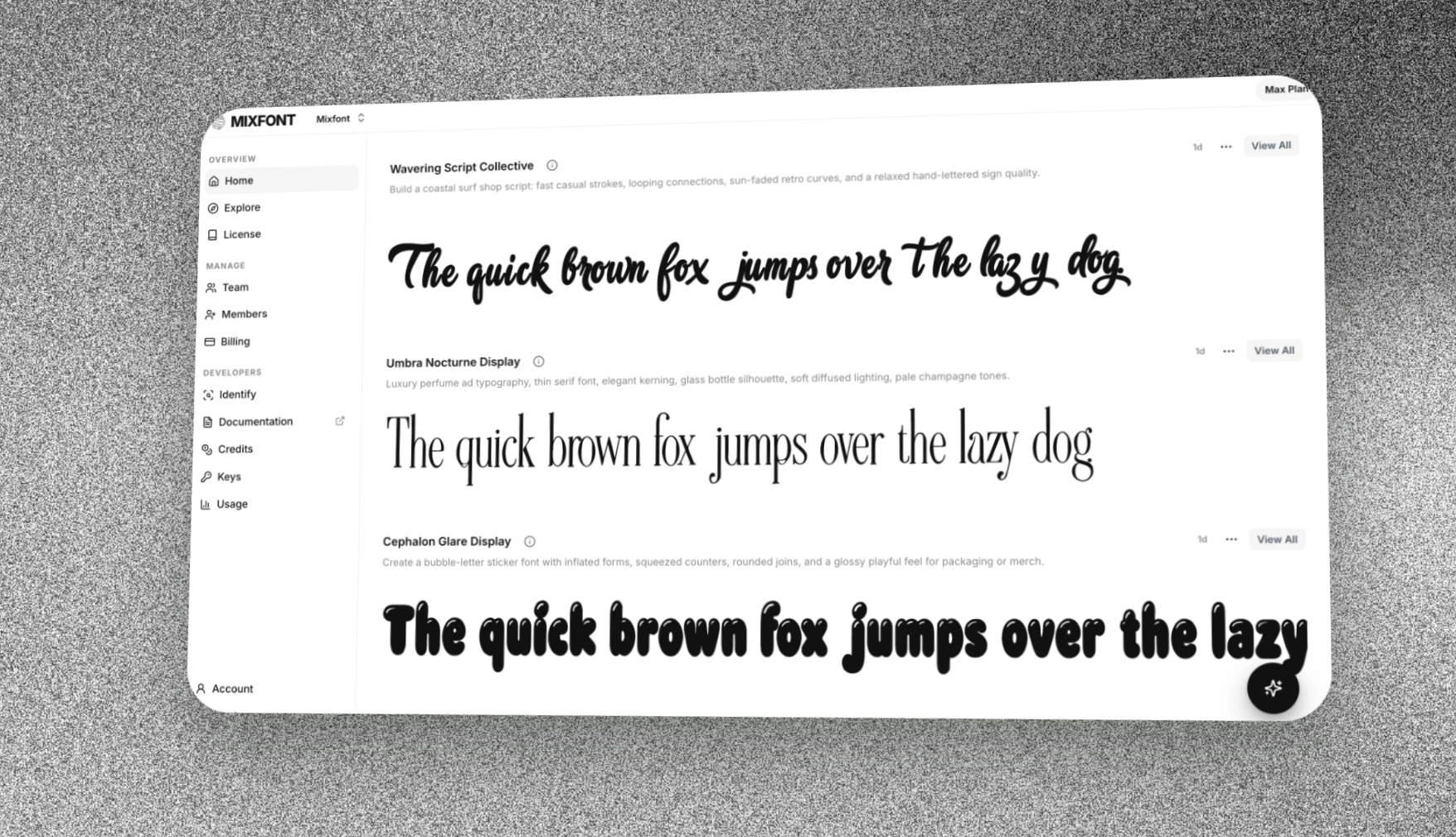
Mixfont is the world’s first AI generation model that can be used for generating complete, web-safe fonts from an image or directly from a text prompt. Traditionally, AI generation engines and workflows can’t create editable text in the same exact style. Mixfont’s frontier font generation model solves that workflow and makes it possible for creators to edit the text directly by first converting the generated text into a font file.| Input | Output |
|---|---|
 | Canyon-Blob-Display.ttf |
 | Gossamer-Editorial-Serif.ttf |
 | Astral-Groove-Display.ttf |
rounded, italicized modern sans serif font | Borealis-Soft-Italic-Glow.ttf |
Use Cases
Learn about more Use Cases for Mixfont
Try it out
Before integrating with the Mixfont API, you can try out the font generation workflow for free on our online website. Free users are granted three free generations. The Mixfont website is also powered by the Mixfont API and should be demonstrative of the API capabilities that can be added to your application.API reference
Font generation
Generate TTF font files from a prompt or reference image completion.
Font recognition
Get the closest open-source font file, trained on a database of 1500+ fonts.
Getting started
Quickstart
Make your first request with JavaScript, Python, or cURL.
Best Practices
Learn prompt, glyph set, polling, storage, and API key handling practices.
Client libraries
JavaScript
Use the Mixfont JavaScript client in Node.js and server-side JavaScript.
Python
Use the Mixfont Python client in Python applications and scripts.