
Use the font generation model when you need a custom type direction quickly. Generate from a prompt when you can describe the style. Generate from an image when you have a visual reference you want the model to follow. The model returns a TTF file, so you can test generated fonts in product mockups, prototypes, design tools, and build pipelines.
InputGenerated font preview
generate a font for a soccer team logo. Make the letterforms soccer themed, bold, and unique.
Cipher-Striker-Ultra.ttf
Wuthering Heights input exampleWuthering-Heights-Display.ttf
HANDY DAN'S Property Maintanence input exampleDystopian-Brush-Stroke-Display.ttf
NASA logo input exampleDissonant-Wave-Sans.ttf
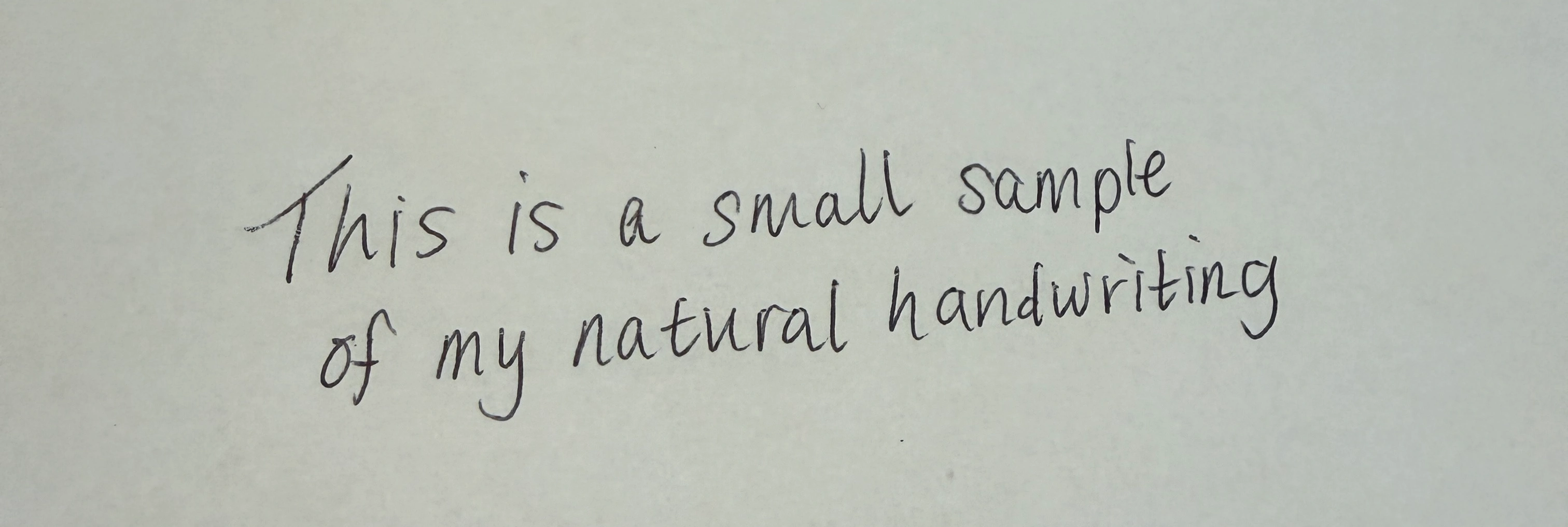
Natural handwriting input exampleZephyr-Ink-Script.ttf

Match the input to the job

Use caseRecommended inputWhy
Explore a new brand directionText promptYou can describe the category, mood, and visual constraints.
Turn a sketch or sign into a fontImage URLThe model can use the reference image as the style source.
Build many options for a design toolText promptPrompts are easy to template, vary, and store.
Recreate a visual direction from a mockupImage URLThe reference keeps the generation close to an existing design.
Generate production candidatesText prompt or image URLChoose the input that best captures the desired style.
For text generation, describe the type category, use case, and distinctive details. For image generation, use a clear public image with readable letterforms.

Prompt examples

Use caseExample prompt
Wellness brandA soft geometric sans with rounded terminals for a wellness app identity
SaaS dashboardA neutral humanist sans serif with open counters for dense dashboard labels
Music posterA bold compressed grotesk with industrial spacing for concert posters
Fashion editorialA high-contrast editorial serif with sharp wedge serifs for luxury headlines
Children’s productA friendly rounded serif with playful curves for picture book packaging
Game UIA sturdy angular display font with sharp cuts for a fantasy inventory screen

Choose the right glyph set

Use standard when English support is enough for fast exploration, headings, logos, mockups, and first drafts. It generates 72 glyphs for English with basic letters, numbers, and punctuation. Use extended when you need production candidates that support Latin-language text beyond English. It generates 319 glyphs for all Latin languages, including special characters, costs more credits, and may take 2-3 minutes to complete.
Glyph setBest forGlyphsCredits
standardEnglish concepting, prototypes, and visual exploration7220
extendedProduction candidates for all Latin languages31950

Best Practices

Learn prompt, glyph set, polling, storage, and API key handling practices.

Generate from prompt

Review the text generation endpoint.

Generate from image

Review the image generation endpoint.