
Use raw photos of handwriting
There's no need to run OCR or cleanup for images. Just snap a photo of your handwriting, upload it, and Mixfont will generate a complete font based on the same style.
Make a font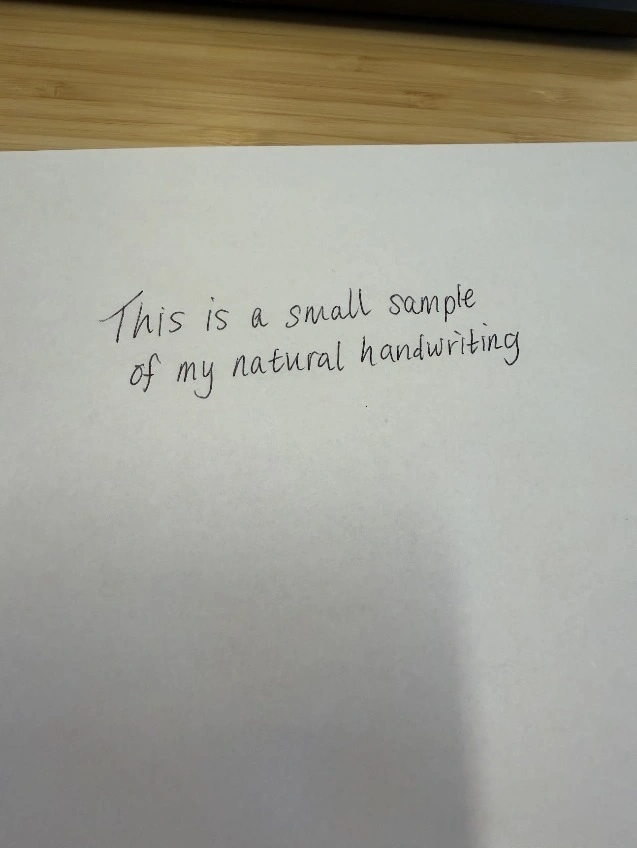
Turn an image of just a few words or letters of handwriting into a complete, production ready TTF font in seconds.

Start from a handwriting image and turn it into an editable font.
There's no need to run OCR or cleanup for images. Just snap a photo of your handwriting, upload it, and Mixfont will generate a complete font based on the same style.
Make a fontFrom cursive to decorative to all-caps, Mixfont can generate a font from any style of handwriting. Upload a photo of your notes, sketches, or lettering and start editing it as a font.
Upload notes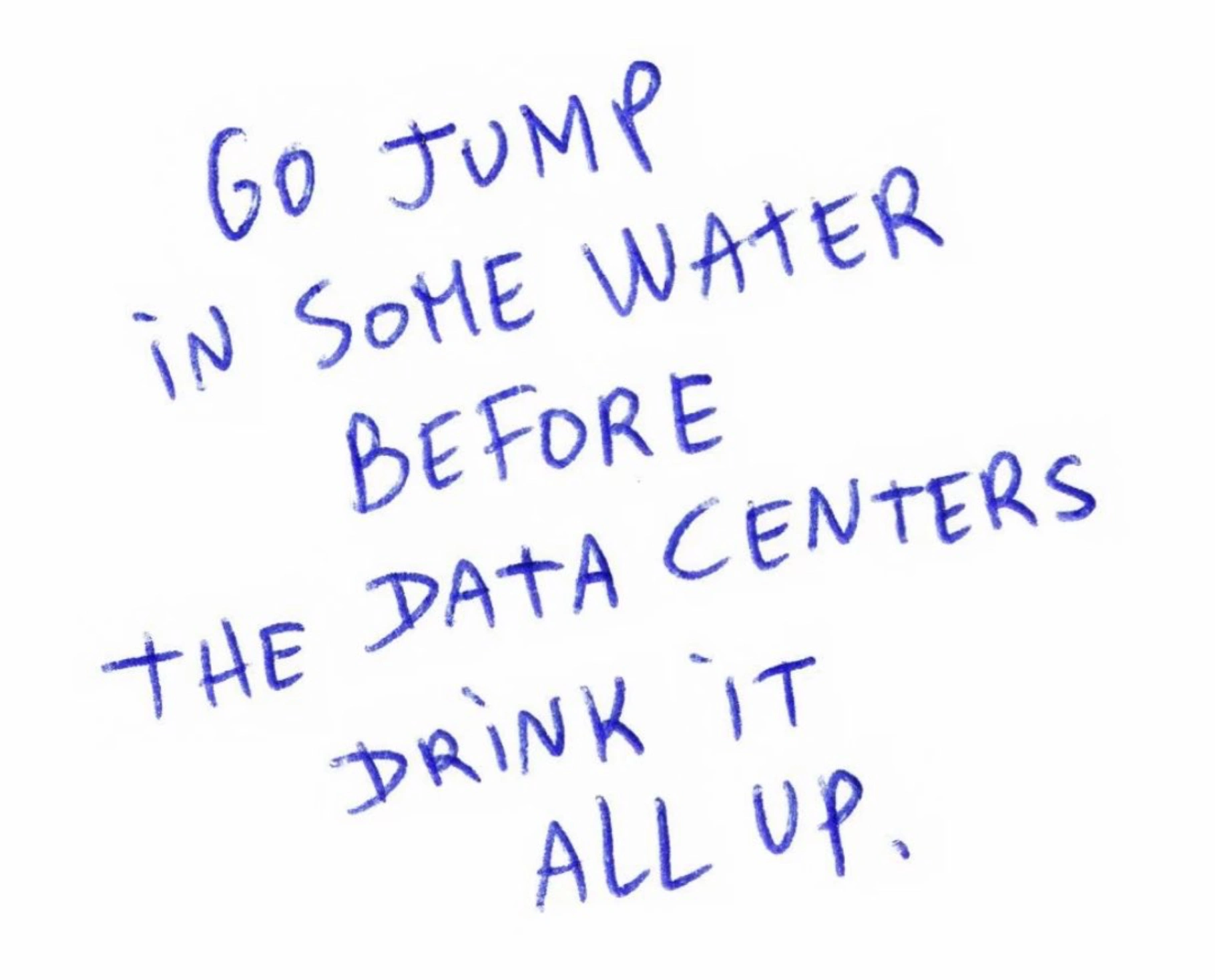
Upload a clear scan, photo, or lettering sample and use it as the visual direction for a custom handwriting font.
Upload handwriting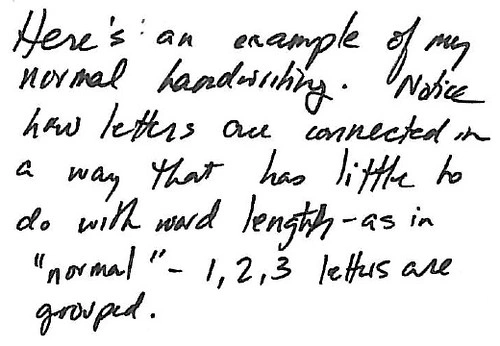
Allow users to generate accurate handwriting fonts from just a single image.
1import { Mixfont } from "mixfont";23const mixfont = new Mixfont({4 apiKey: process.env.MIXFONT_API_KEY,5});67const generation = await mixfont.generations.create({8 imageUrl: "https://static.example.com/handwriting-sample.webp",9 glyphSet: "standard",10});1112const result = await mixfont.generations.wait(generation.id);13console.log(result.ttfUrl);Download expressive handwriting-style TTFs generated from reference images, from loose script to casual notes and bold handwritten caps.
Start from handwritingMixfont
Mixfont
Mixfont
Mixfont
Mixfont
Mixfont
Start with a clean photo, scan, or cropped image of handwriting. A sample with clear letters, consistent lighting, and enough spacing gives the generator better visual direction.
You can use personal handwriting, brush lettering, marker sketches, notebook notes, invitation lettering, or any written style you want to turn into a font.
Mixfont uses your handwriting reference or written prompt to generate a custom typeface inspired by the sample, then lets you preview it as editable text.
The workflow is built for people searching for handwriting to font, handwriting font generator, or make a font from handwriting tools that produce a downloadable font file.
Try real words, check letter spacing, compare sizes, and rerun the strongest direction until the generated handwriting font fits the project.
When the result is ready, download the TTF and use it for branding, invitations, classroom materials, digital products, social graphics, packaging, or personal design work.
A handwriting to font generator turns a handwriting sample, lettering image, or written prompt into a custom generated font that you can preview and download.
Yes. Upload a clear handwriting image and use it as the reference for a generated handwriting font. Mixfont creates a usable font file rather than only a static text image.
Use a sharp photo or scan with high contrast, even lighting, and enough letters to show the handwriting style. Cropped images with minimal background clutter usually work best.
No. You can start from a sample image or a prompt. If you want broader glyph coverage or a different style direction, you can rerun or refine the generated font.
This page focuses on handwriting to font workflows. The general Font Generator also supports prompts and image references for many other type styles.
Yes, you can use Mixfont generated fonts commercially. Review the Mixfont license before using a generated handwriting font in client, business, or product work.
Upload a handwriting sample, generate a custom typeface, preview it in real text, and download a usable TTF when the style is ready.