
Turn lettering into a full alphabet
Upload brush lettering, calligraphy, or a hand-drawn sample and generate every character in that style — not just the letters in the image.
Create from image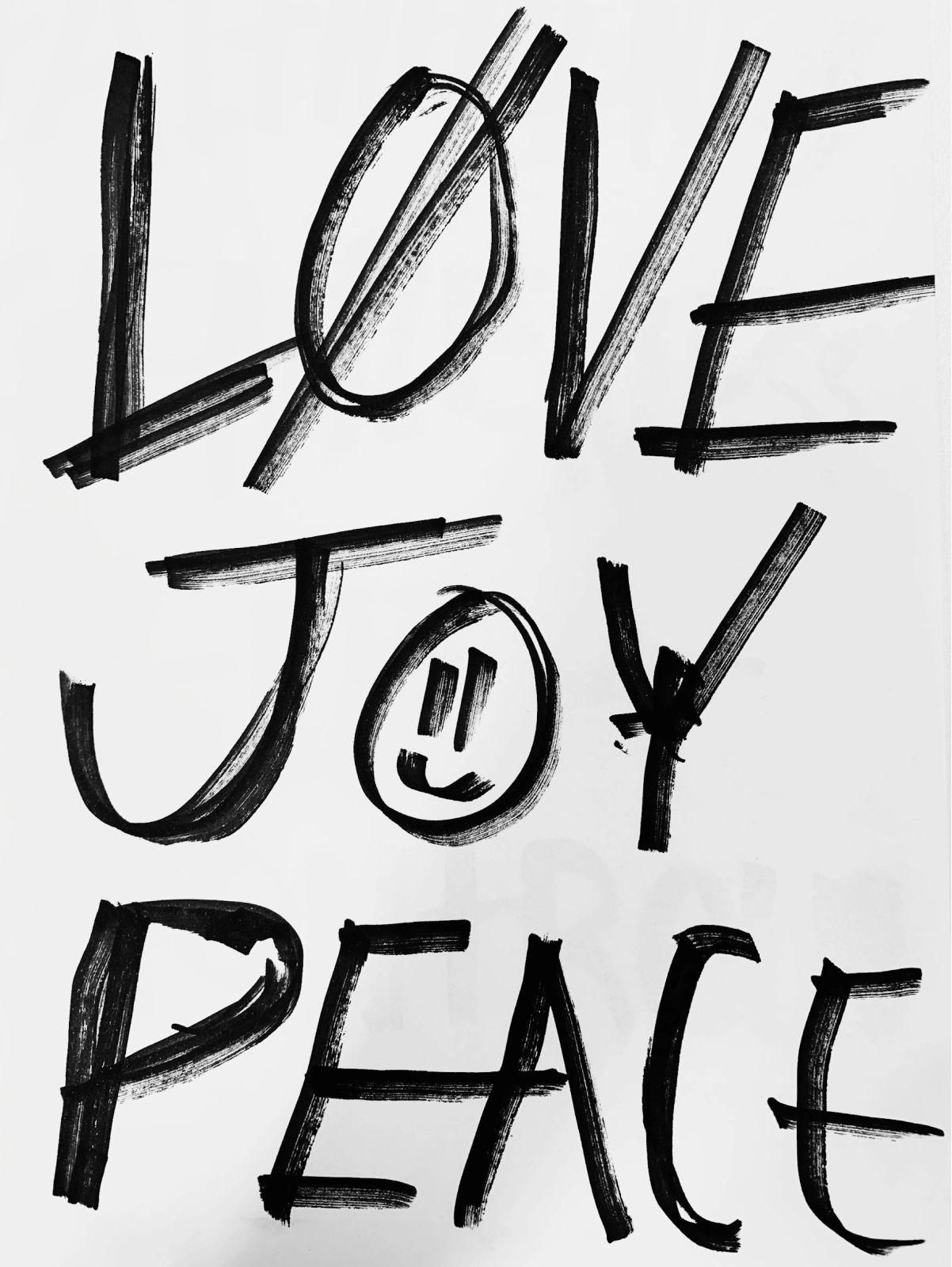
Upload lettering, a logo, or any typography reference and generate a complete typeface in that style — then preview it and download a ready-to-use TTF.
Use image to font when the typography you want only exists as a picture.
Upload brush lettering, calligraphy, or a hand-drawn sample and generate every character in that style — not just the letters in the image.
Create from imageCapture the font style from any image, and turn it into an editable, usable font file.
Create from image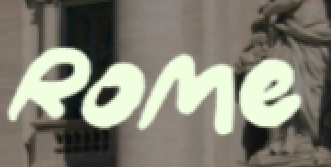
Start from a wordmark crop or brand sample and generate the matching character set for headlines, packaging, and product surfaces.
Get startedImage to font works with lettering photos, logo crops, poster scans, packaging shots, signage, and screenshots — any image where the letterforms are visible.
A clean crop with strong contrast and a few clear letters is enough. You do not need a full alphabet, a template, or a vector file.
The model studies the style of your reference — weight, contrast, curves, and terminals — and generates an original typeface in that direction, with more than 320 glyphs covering the full alphabet, numerals, punctuation, and accents.
This is generation, not tracing: characters that never appeared in your image are drawn to match, so the result works as a real, complete font.
Preview the generated typeface with real words, compare sizes and spacing, and rerun the strongest direction until it fits the project.
When it is ready, download the TTF and use it in design tools, websites, products, and commercial work.
Upload the image in the Mixfont workspace, and the model generates a complete typeface in that style. Preview it with your own text, then download the result as a TTF file.
Clear letterforms, strong contrast, and minimal background clutter produce the best results. Lettering, logos, posters, signage, packaging, and screenshots all work — even a few clean letters are enough.
No. Mixfont generates an original typeface in the style of your reference rather than vectorizing the pixels. That is how it can produce a full glyph set, including characters that never appeared in the image.
The Font Finder identifies which existing font an image uses and returns open-source matches. Image to font creates a new font in the style of the image. Use the Font Finder when you want the original font, and image to font when you want a typeface of your own.
Yes. Handwriting samples work as reference images, and the dedicated Handwriting to Font page covers that workflow in more detail.
Yes. Fonts generated with Mixfont can be used anywhere, for any purpose, including commercial work. Review the Mixfont license for the details.
Upload a reference, generate a complete typeface in its style, and download a TTF you can use anywhere.