Forge

Forge is Mixfont's font generation model, built around taking an image reference and turning that direction into an original font system.

Visit Forge
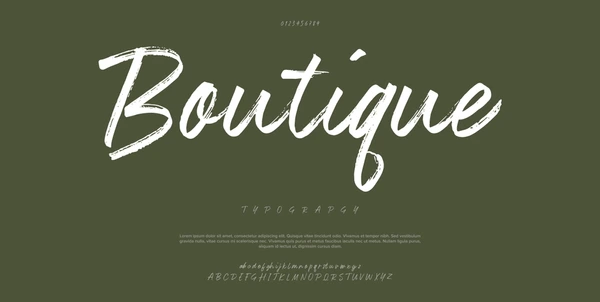
A stylized Boutique lettering reference image representing the kind of visual input Forge is designed to learn from.

A font generation workflow built from imagery

Forge is designed to start with the same kind of visual reference teams already collect during concepting: packaging crops, scans, posters, screenshots, and lettering samples with a strong point of view.

Instead of stopping at recognition, Forge is being built to turn those references into original font assets. The model is still coming soon, but the goal is clear: move from inspiration to usable type without leaving Mixfont.

Visit Forge
A Boutique script reference image used to illustrate a potential Forge input.
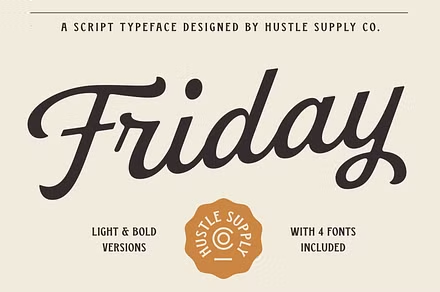
A Friday wordmark image showing another lettering style that could guide Forge.
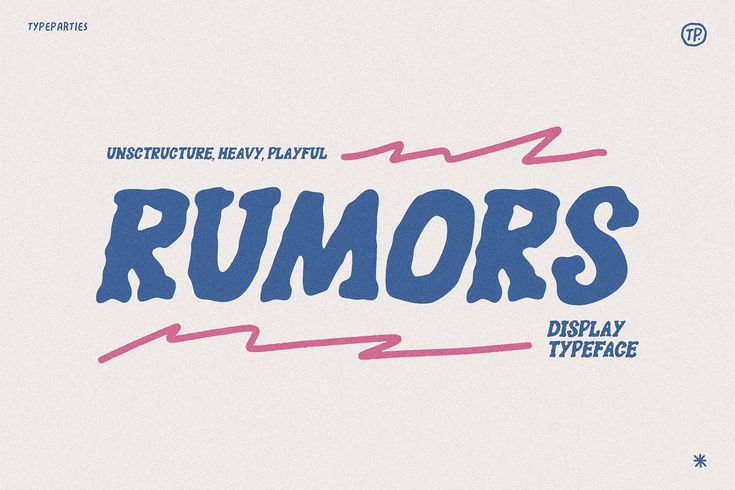
A Rumors display-style image representing expressive typography direction for Forge.

How Forge is being built

01

Upload a reference

Forge is built around the idea that a strong image can communicate enough about a lettering style to guide font creation. A screenshot, poster crop, packaging detail, or scan can all serve as direction when the typography clearly shows mood, contrast, rhythm, and proportion.

That reference is meant to describe intent rather than provide a source file. The model uses the visual cues in the image to infer how the broader type system should feel.

02

Generate the type system

Rather than finding the nearest existing family, Forge is being built to synthesize new glyph shapes that stay coherent across a full font. The goal is a usable type asset, not a one-off lettering reconstruction.

That makes Forge a different workflow from Lens. Lens helps you identify what already exists, while Forge is aimed at extrapolating from a visual direction and turning it into something original.

03

Availability

Forge is still in training, so Mixfont currently treats it as a coming-soon workflow while the generation controls, review loop, and product details are refined.

As the model rolls out, Forge is expected to live inside the same Mixfont platform and API ecosystem as Lens so teams can move from inspiration to generated font files in a familiar workflow.

Frequently Asked Questions

What is Forge?

Forge is Mixfont’s font generation model. It is being built to take an image reference and turn that visual direction into an original font rather than simply identify the closest existing family.

What kind of image works best for Forge?

The clearest inputs are images where the lettering style is easy to read and visually distinctive. References with obvious contrast, proportions, terminals, and rhythm give the model more useful design signals to work from.

How is Forge different from Lens?

Lens is a recognition model that returns ranked open-source font matches from an image. Forge is a generation model that aims to use the image as creative direction for producing a new typeface.

Does Forge copy an existing font?

Forge is intended to use the reference as stylistic guidance, not as a way to retrieve or redistribute an existing font file. The product direction is original font generation informed by the image you upload.

What does Forge output?

The goal is a usable generated font file that can be reviewed and deployed inside the Mixfont workflow. Mixfont has not published the full release spec yet, so the exact controls and export details are still evolving.

Is Forge available now?

Not yet. As of March 13, 2026, Forge is still marked coming soon and is not broadly available in Mixfont.

Will Forge be available through the API?

Mixfont’s current positioning is that Forge will be available through the platform and API as it launches. Final release timing and access details have not been published yet.

Coming soon

Are you ready?

Forge is still in training. Sign in to explore Mixfont now and be ready when image-to-font generation opens up.

Visit Forge